
Social Media Resources
Below you can find sample social media captions and images to share your support and raise awareness on your social media. Please feel free to customize the captions to reflect your personal commitment to helping raise awareness for all kids diagnosed with cancer.
Follow ALSF
 @AlexsLemonade |
 @AlexsLemonade |
 @AlexsLemonade |
Optional Hashtags: #ChildhoodCancerAwarenessMonth #OneCupAtATime
Sample Post Captions
Copy, paste and customize any of these captions for your social media posts!
- For our family, we know just how important childhood cancer research is. Research can lead to better treatments, more options and, ultimately, save the lives of kids fighting cancer. That's why we're supporting Alex's Lemonade Stand Foundation for Childhood Cancer Awareness Month. Every donation funds research that brings us closer to a brighter future for all families affected by this disease. Learn more at AlexsLemonade.org #ChildhoodCancerAwarenessMonth
- I am proud to make a difference this September for Childhood Cancer Awareness Month with @AlexsLemonade. Alex's Lemonade Stand Foundation (ALSF) emerged from the front yard lemonade stand of 4-year-old Alex Scott, who was fighting childhood cancer and wanted to raise money to find cures for kids like her. Today, ALSF is one of the leading funders of pediatric cancer research in the U.S. and Canada. Donations have funded more than 1,500 research projects and provided assistance to families affected by childhood cancer. Get more information at AlexsLemonade.org.
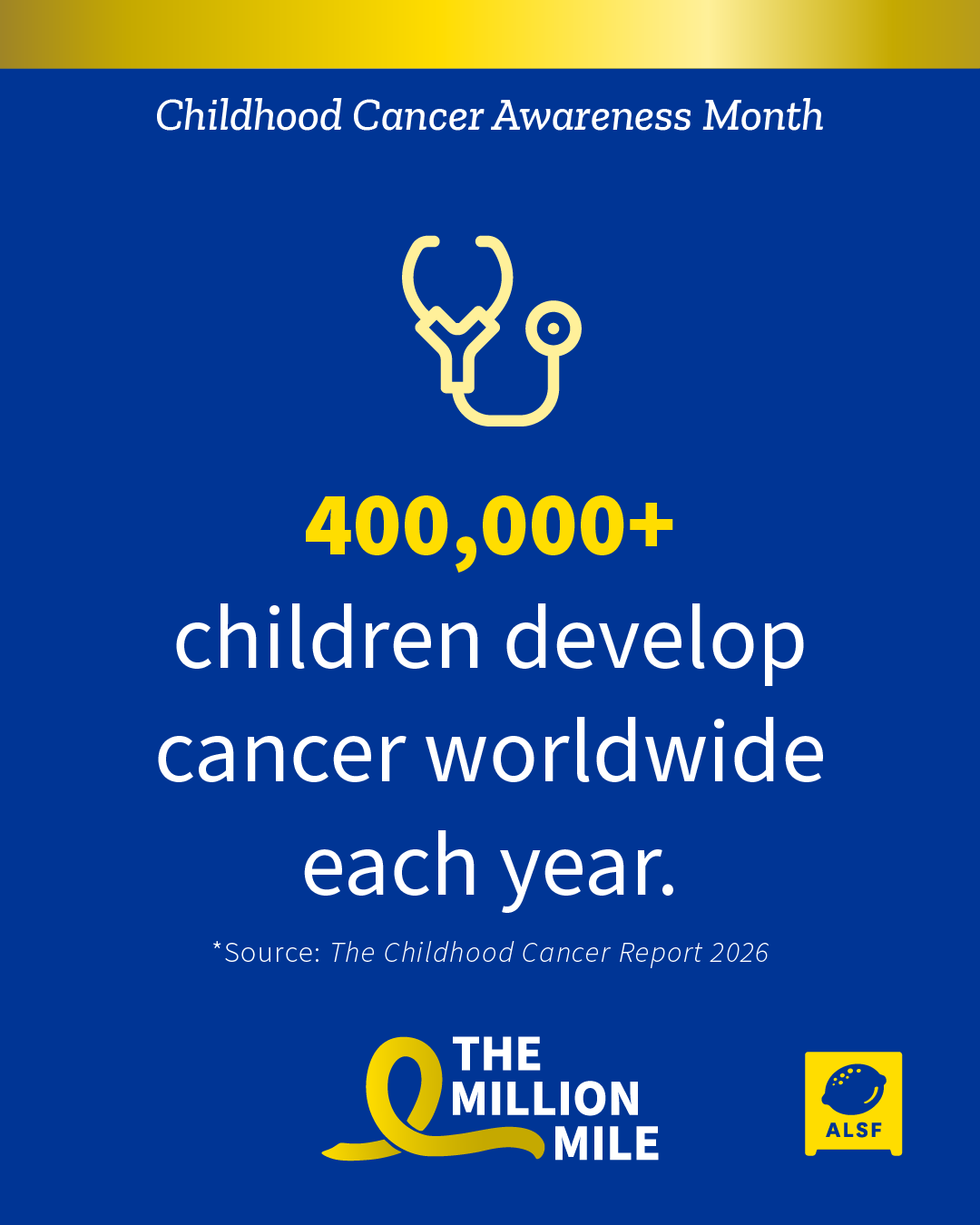
- September is #ChildhoodCancerAwarenessMonth. Every year, an estimated 400,000+ children are diagnosed with cancer worldwide. That's over 1,000 new kids affected every day. @AlexsLemonade is working to ensure those kids can beat their disease and live long, healthy lives. You can join me by helping fund childhood cancer research to support these families. Learn more at AlexsLemonade.org
-
We know just how important childhood cancer research is. Research can lead to better treatments, more options, and ultimately save the lives of kids fighting cancer. That’s why we're supporting @AlexsLemonade for #ChildhoodCancerAwarenessMonth. Today, ALSF is one of the leading funders of pediatric cancer research in the U.S. and Canada. Donations have funded more than 1,500 research projects and provided assistance to families affected by childhood cancer. You can make a difference with us by learning more and making a donation at AlexsLemonade.org
Social Media Post Images
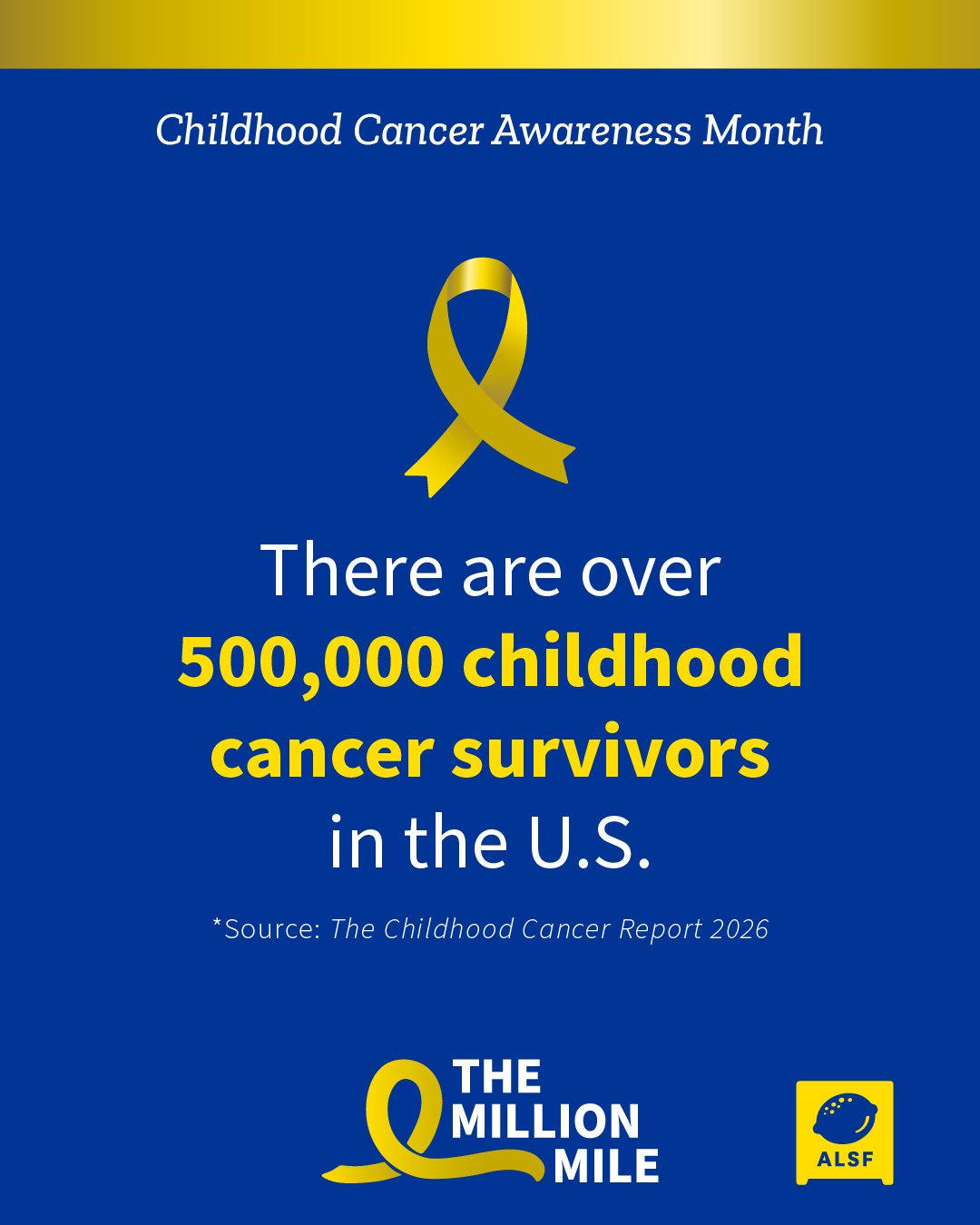
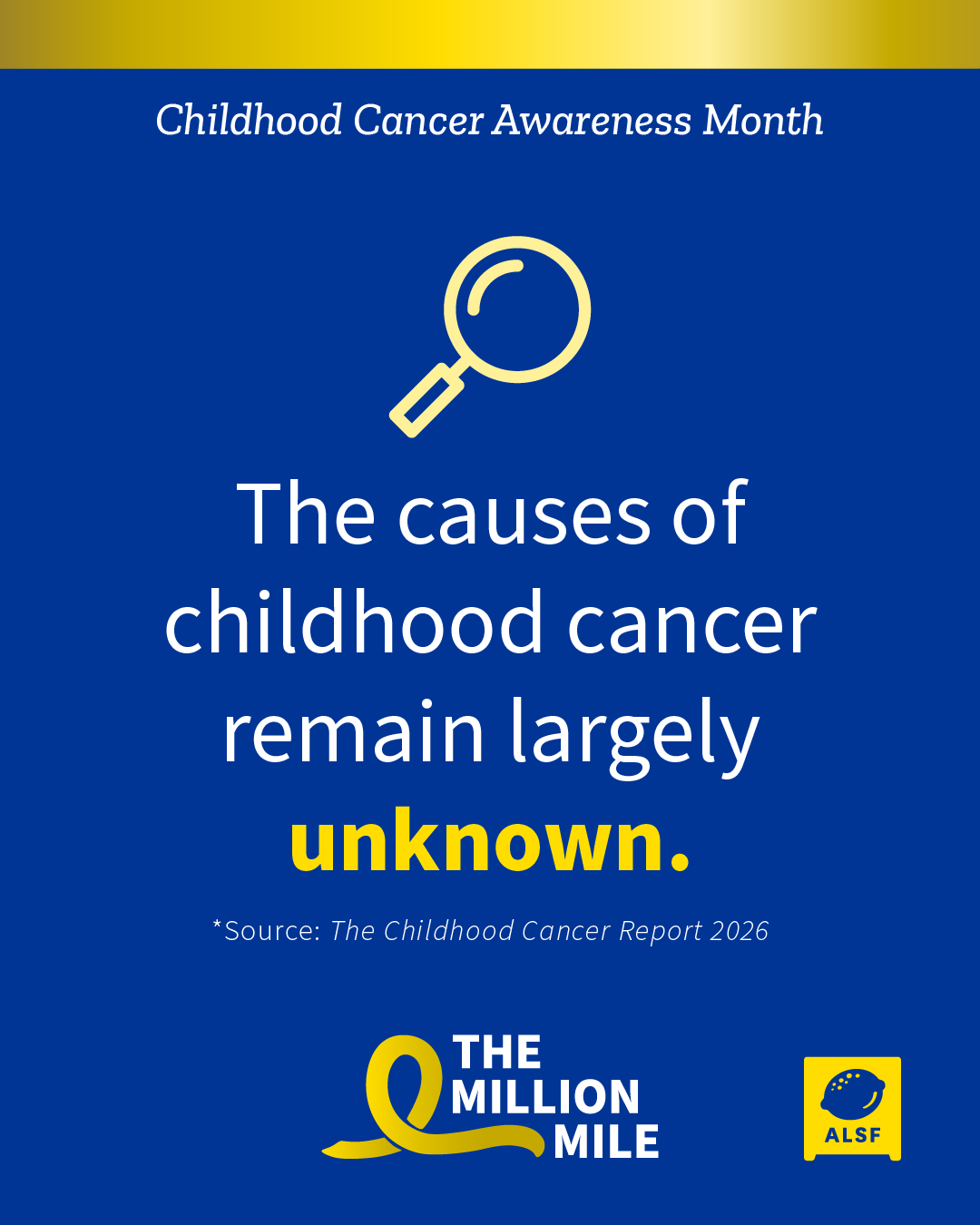
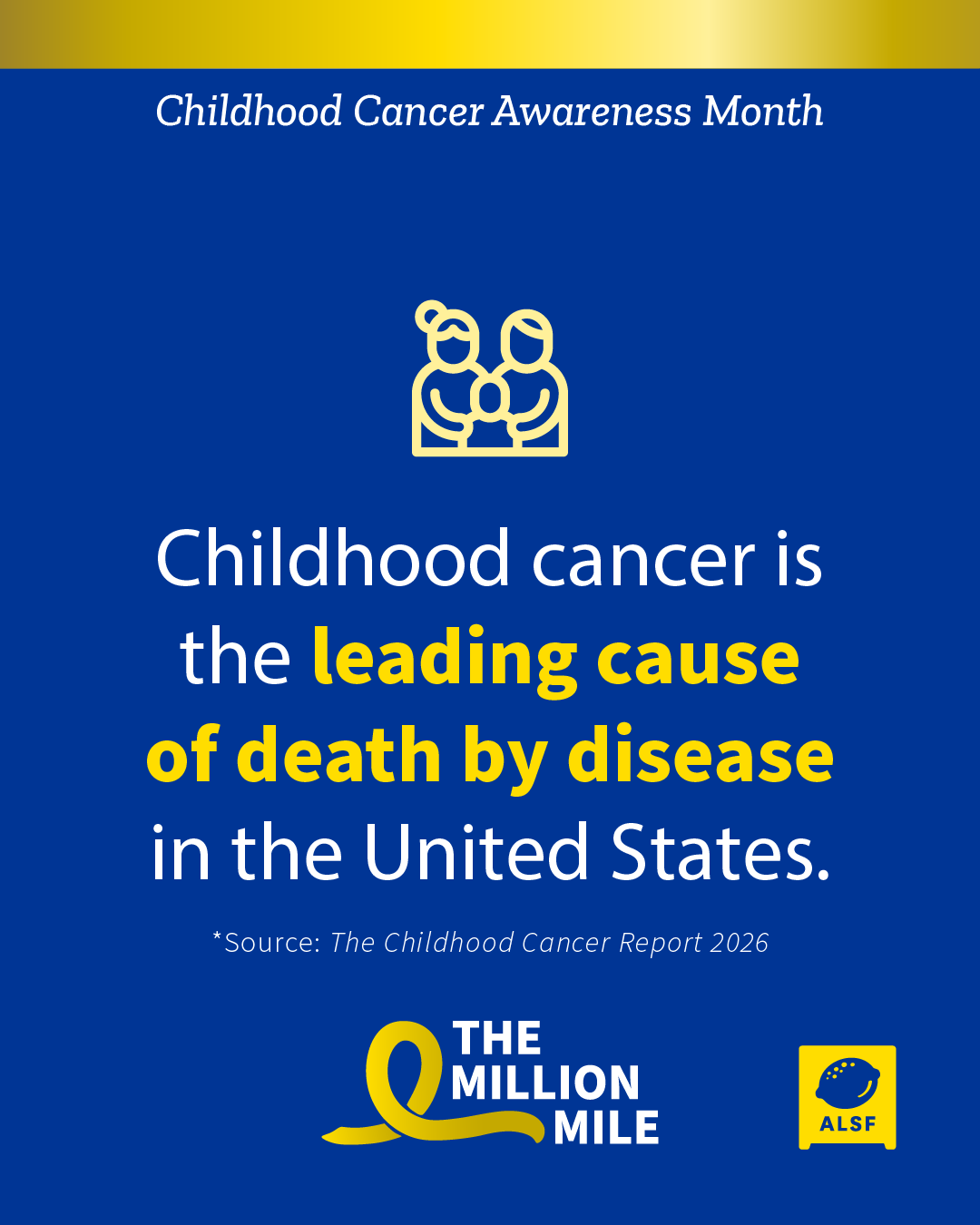
Click on an image below to open it in a new window to save for sharing.
 |
  |
 |
 |
 |
|
Social Media Profile Frame
Check out this frame you can download, add to a photo and use on your social media profiles! Free programs and apps like Canva can be used to add this frame to your photo of choice before you upload it to your profiles like Facebook, Instagram and others!
Click on an image below to open it in a new window to save for sharing.
|
Social Media Profile Frame
|
Social Media Profile Frame Example
|

Tips for Using Social Media Tools for Fundraising
Facebook Tools
How to create a Facebook fundraiser:
- Log into your Facebook account on your desktop or phone
- If you are using your desktop, press the create “+” button in the top right corner; select “Fundraiser” at the bottom of the drop down menu.
- If you are on your phone, tap the ☰ button and tap “Fundraisers.” Then tap “+ “Create Fundraiser”
- Facebook will ask who you are raising money for; select “Nonprofit.”
- Type “Alex’s Lemonade Stand Foundation” into the search bar; select ALSF.
- Customize your fundraiser:
- Choose a fundraising goal
- Select the date your fundraiser will end
- Choose a title and add a description
- Click “Create”
Please note: Facebook Fundraisers do not automatically sync with your personal ALSF fundraising page for Lemonade Days. Therefore, please track the names, donation amounts and dates that anyone donates to your fundraiser and notify your ALSF stand or event coach so the donation(s) can be allocated correctly. Please allow some time for processing to see the donations on your personal fundraising page.
To create a public Facebook event for your stand or event:
- Open the Facebook app on your phone or in your web browser on your computer.
- From your News Feed, click “Events.”
- Click + “Create Event.”
- Select either "Online" or "In Person." Depending on the type of event you are hosting. Anyone will be able to see your event and search for it, even if you aren't friends. Once you've created a public event, you won't be able to change it to private later. You can, however, change your event to "Online" or "In Person" later if your event plans change.
- Fill in the event name, location, date, time and description.
- Type and select keywords about your public event so it can be better recommended to people who are interested in that topic (example: Food festival).
- Choose who can edit and post in your event and then click “Create.” You'll be taken to your event where you can invite guests, add a cover photo or video, share posts and edit event details.
How to start a live broadcast on Facebook:
- Open the Facebook app on your phone.
- Click “What's on your mind, [Name]?” at the top of your News Feed.
- Click the “…” button then click Live Video.
- Write something about your live video.
- Click “Go Live” in the bottom left.
How to add a donate button to your Facebook post:
- Open the Facebook app on your phone or in your web browser on your computer.
- Click “What's on your mind, [Name]?” at the top of your Facebook News Feed.
- Click the “...” button then select “Raise Money.”
- Search for Alex’s Lemonade Stand Foundation in the search tab that appears and select it as the charity you want to support from the menu.
- Write a post about your fundraiser or why you’re supporting ALSF and click “Post.”
- Once your post is published, you'll see a donate button on your post where your friends can make donations directly to ALSF.
Instagram Tools
How to add an Instagram donation sticker to your Instagram story:
- Open your Instagram app.
- Tap the plus icon at the top of the page and tap "Story."
- Take or upload a photo or video.
- Tap the sticker icon at the top of your screen.
- Select the donation sticker.
- Search for and select “Alex's Lemonade Stand Foundation.”
- Customize your fundraiser using Stories creative tools.
- Tap the "Your Story" button to add the post to your Instagram story.
How to start a live broadcast on Instagram:
- Open the Instagram app on your phone.
- Tap the plus icon at the top of your feed or swipe right anywhere in your Feed, then scroll to Live at the bottom.
- To add a title, tap “Title” on the left and enter a title, then tap “Add Title.”
- Tap the red icon at the bottom. The number of viewers appears at the top of the screen and comments appear at the bottom.
- You can add a comment and include information about your stand or fundraiser by tapping “Comment” at the bottom of the screen.
- Tap a comment and tap “Pin Comment” to pin it so that viewers can see it more easily.
- When you're done, tap “End” in the top right then tap to confirm. From there, you can tap in the top left to save it to your camera roll, or share it to your IGTV feed.