
Below you can find resources including sample captions and images to share your involvement and help spread awareness on your social media. Please feel free to customize the captions to reflect your personal commitment to helping raise awareness for kids diagnosed with sarcomas.
Follow Alex's Lemonade Stand Foundation (ALSF)




Hashtag: #SarcomaAwareness
Share to Raise Awareness
July is Sarcoma Awareness Month. Each year, nearly 1,800 children are diagnosed with one of over 70 types of sarcoma.
Did you know?
- Sarcomas are tumors of the bone and soft connective tissue of the body.
- More boys than girls are diagnosed with sarcoma.
- Bone tumors like osteosarcoma and Ewing sarcoma can spread to the lungs.
- Soft tissue tumors like rhabdomyosarcoma can be difficult to remove surgically.
Read more about pediatric sarcomas in The Childhood Cancer Report 2026.
Click on the image below to open it in a new window to save for sharing:
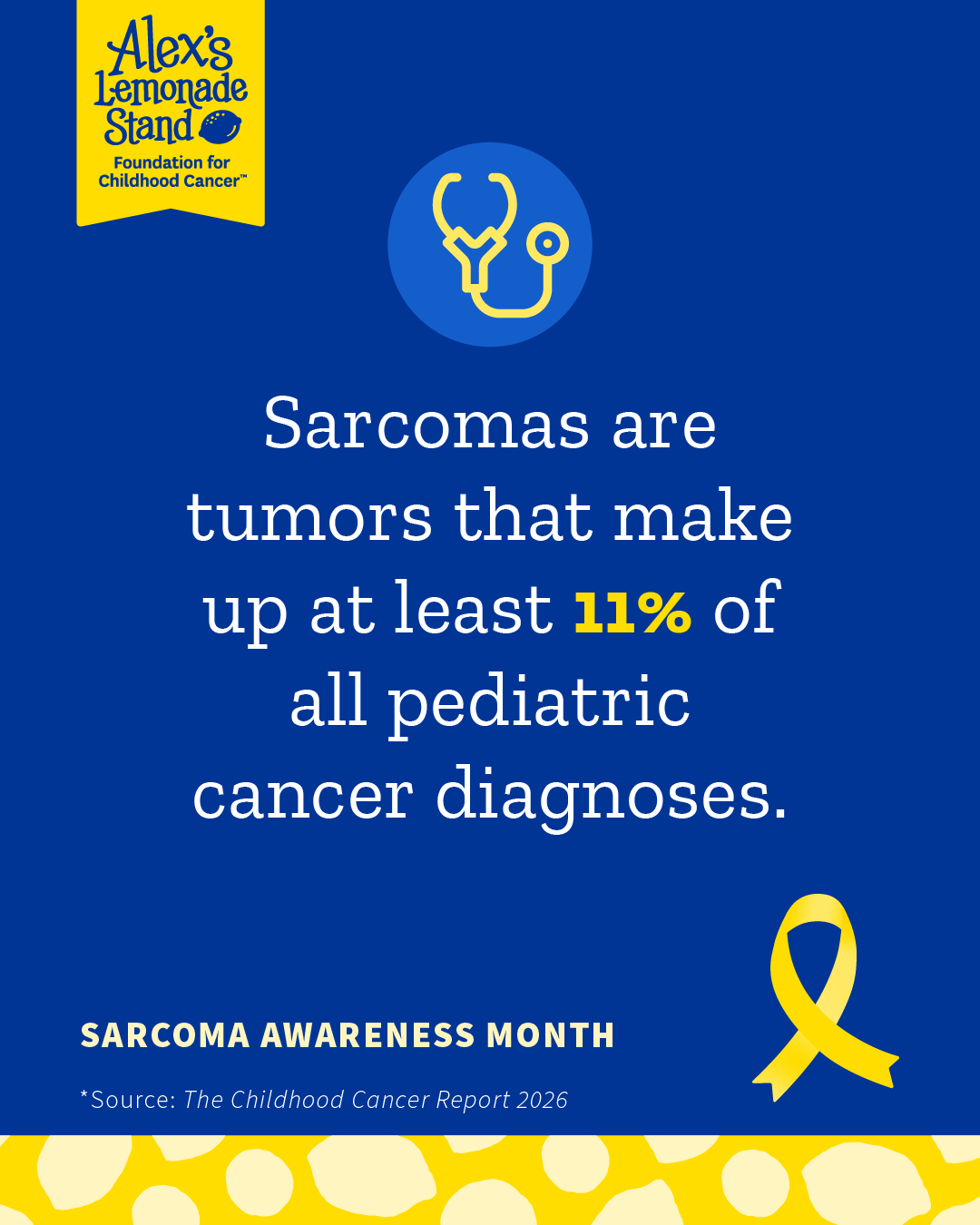
Sarcomas are tumors that make up at least 11% of all pediatric cancer diagnoses.*
*Source: The Childhood Cancer Report, 2026
There are over 70 different types of sarcoma tumors that can impact children.
From bone cancers like osteosarcoma and Ewing sarcoma to soft tissue cancers like infantile fibrosarcoma and rhabdomyosarcoma, these tumors grow in connective tissue—the bone, muscle, and ligaments that hold bodies together.
Sarcomas can be difficult to treat and may not respond to standard therapies, leaving children waiting for cures.
Click on the image below to open it in a new window to save for sharing:
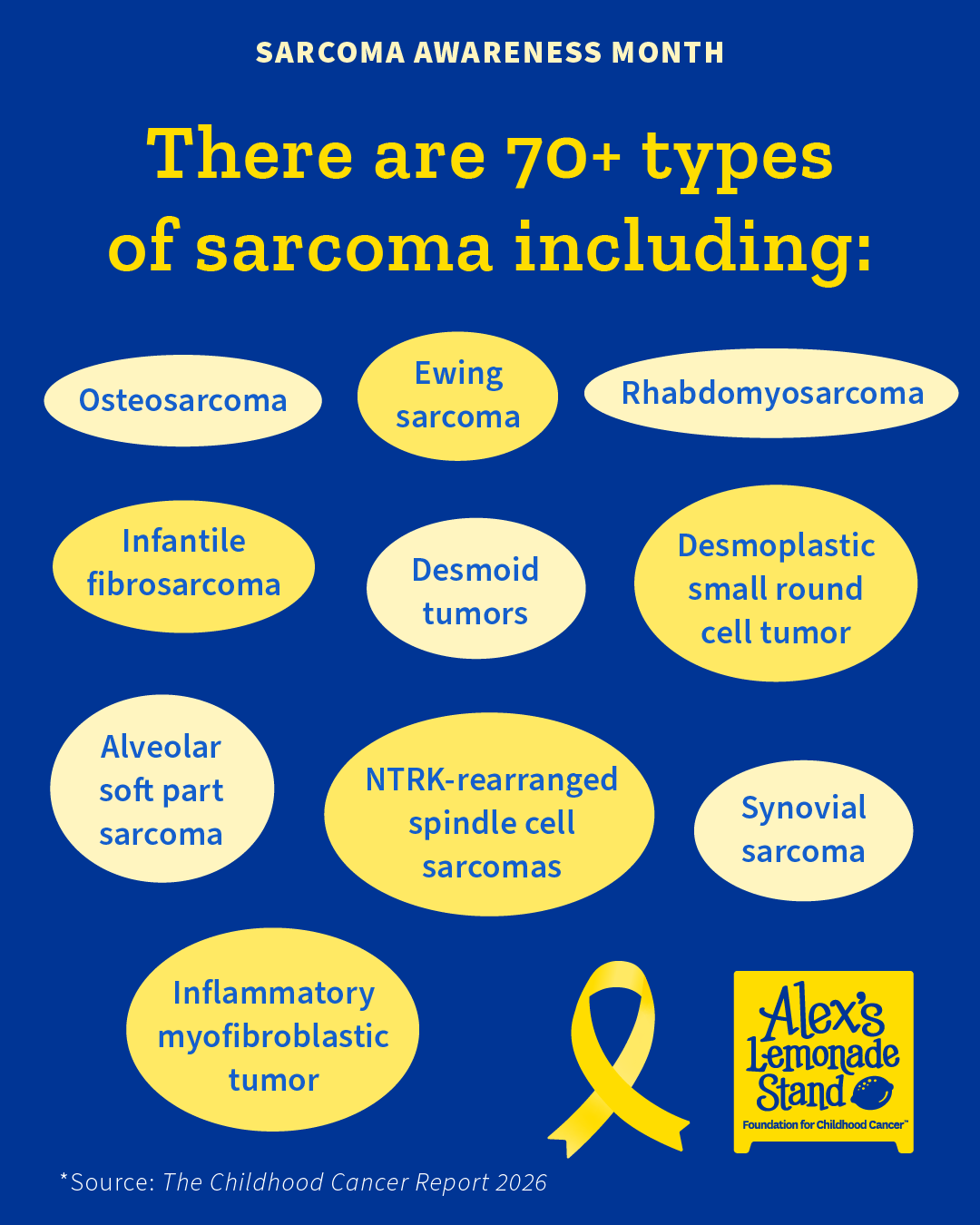
There are 70+ types of sarcomas including:
- Osteosarcoma
- Ewing Sarcoma
- Rhabdomyosarcoma
- Infantile fibrosarcoma
- Desmoplastic small round cell tumor
- Alveolar soft part sarcoma
- Desmoid tumors
- Inflammatory myofibroblastic tumor
- NTRK-rearranged spindle cell sarcomas
- Synovial sarcoma
Sarcomas, which comes from the Greek for “fleshy” and “tumor” can occur anywhere in the body.
- Osteosarcoma starts in bone.
- Ewing sarcoma usually starts in bone or nearby soft tissue.
- Rhabdomyosarcoma develops from cells related to skeletal muscle.
- Synovial sarcoma typically occurs near joints and tendons.
Because sarcomas can arise in many different tissues, they vary widely in how they grow and how they are treated—making research and precision diagnosis especially important.
Click on the image below to open it in a new window to save for sharing:
Science is advancing treatment for sarcoma through precision medicine.
Precision medicine is changing what’s possible for some children with sarcoma.
In 2018, the FDA approved a drug called Larotrectinib for cancers with a specific generic change called an NTRK fusion. This included certain rare pediatric sarcomas.
This approval, made possible in part with funding from ALSF, created a major shift for kids with sarcoma— offering a targeted therapy with high response rates and fewer side effects than traditional chemotherapy.
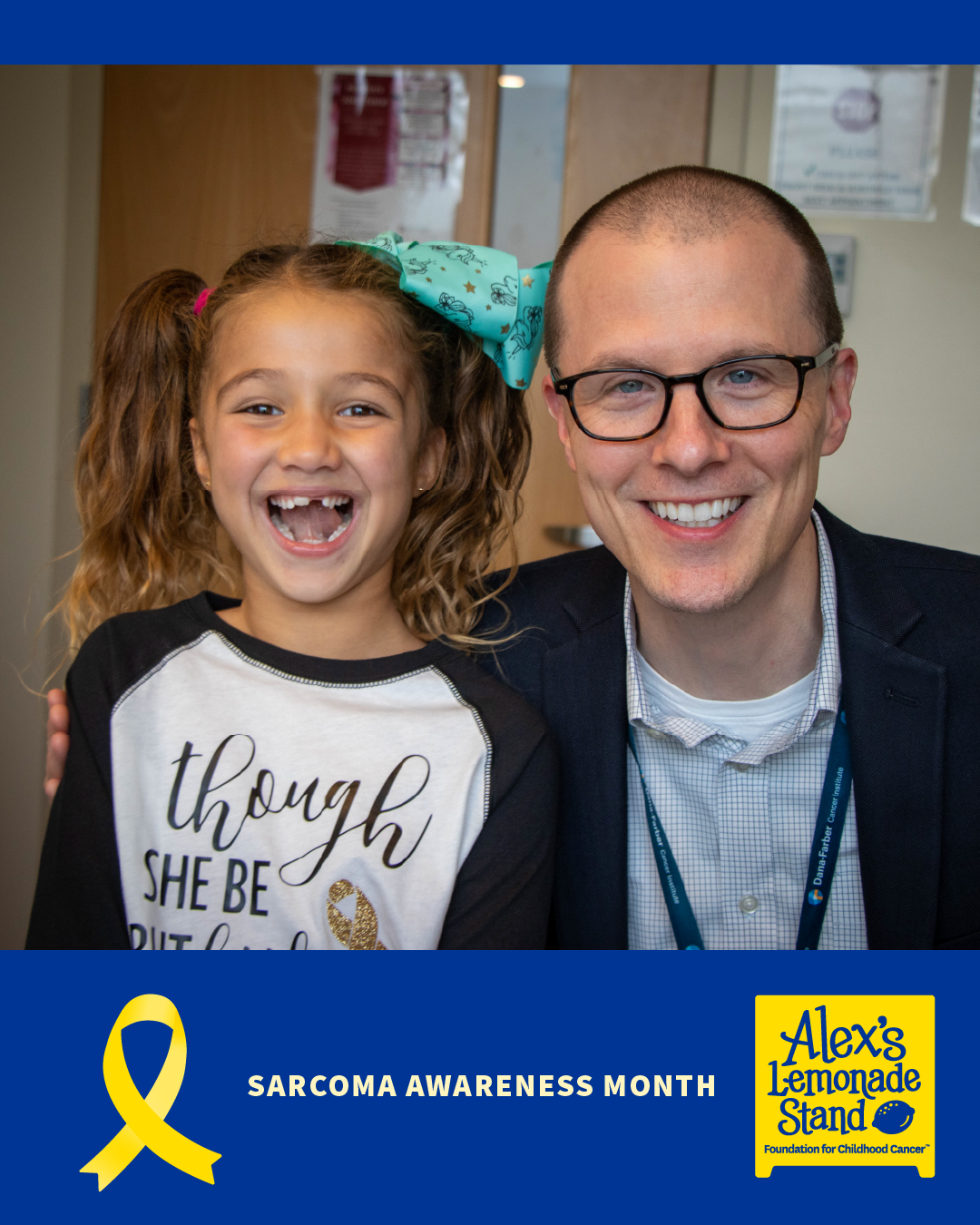
Lakelynn, who was diagnosed with an inoperable rare sarcoma at age 3. She was treated with Larotrectinib. Today, she is 12 years old and thriving.
Lakelynn’s story reflects what’s possible when we fund pediatric sarcoma research. Learn more about the sarcoma research ALSF funds, and make a donation, today.
Click on the image below to open it in a new window to save for sharing:
Tips for Using Social Media Tools for Your Event and Fundraising
Facebook Tools
How to create a Facebook fundraiser:
- Log into your Facebook account on your desktop or phone
- If you are using your desktop, press the create “+” button in the top right corner; select “Fundraiser” at the bottom of the drop down menu.
- If you are on your phone, tap the ☰ button and tap “Fundraisers.” Then tap “+ “Create Fundraiser”
- Facebook will ask who you are raising money for; select “Nonprofit.”
- Type “Alex’s Lemonade Stand Foundation” into the search bar; select ALSF.
- Customize your fundraiser:
- Choose a fundraising goal
- Select the date your fundraiser will end
- Choose a title and add a description
- Click “Create”
Please note: Facebook Fundraisers do not automatically sync with your personal ALSF fundraising page for Lemonade Days. Therefore, please track the names, donation amounts and dates that anyone donates to your fundraiser and notify your ALSF stand or event coach so the donation(s) can be allocated correctly. Please allow some time for processing to see the donations on your personal fundraising page.
To create a public Facebook event for your stand or event:
- Open the Facebook app on your phone or in your web browser on your computer.
- From your News Feed, click “Events.”
- Click + “Create Event.”
- Select either "Online" or "In Person." Depending on the type of event you are hosting. Anyone will be able to see your event and search for it, even if you aren't friends. Once you've created a public event, you won't be able to change it to private later. You can, however, change your event to "Online" or "In Person" later if your event plans change.
- Fill in the event name, location, date, time and description.
- Type and select keywords about your public event so it can be better recommended to people who are interested in that topic (example: Food festival).
- Choose who can edit and post in your event and then click “Create.” You'll be taken to your event where you can invite guests, add a cover photo or video, share posts and edit event details.
How to start a live broadcast on Facebook:
- Open the Facebook app on your phone.
- Click “What's on your mind, [Name]?” at the top of your News Feed.
- Click the “…” button then click Live Video.
- Write something about your live video.
- Click “Go Live” in the bottom left.
How to add a donate button to your Facebook post:
- Open the Facebook app on your phone or in your web browser on your computer.
- Click “What's on your mind, [Name]?” at the top of your Facebook News Feed.
- Click the “...” button then select “Raise Money.”
- Search for Alex’s Lemonade Stand Foundation in the search tab that appears and select it as the charity you want to support from the menu.
- Write a post about your fundraiser or why you’re supporting ALSF and click “Post.”
- Once your post is published, you'll see a donate button on your post where your friends can make donations directly to ALSF.
Instagram Tools
How to add an Instagram donation sticker to your Instagram story:
- Open your Instagram app.
- Tap the plus icon at the top of the page and tap "Story."
- Take or upload a photo or video.
- Tap the sticker icon at the top of your screen.
- Select the donation sticker.
- Search for and select “Alex's Lemonade Stand Foundation.”
- Customize your fundraiser using Stories creative tools.
- Tap the "Your Story" button to add the post to your Instagram story.
How to start a live broadcast on Instagram:
- Open the Instagram app on your phone.
- Tap the plus icon at the top of your feed or swipe right anywhere in your Feed, then scroll to Live at the bottom.
- To add a title, tap “Title” on the left and enter a title, then tap “Add Title.”
- Tap the red icon at the bottom. The number of viewers appears at the top of the screen and comments appear at the bottom.
- You can add a comment and include information about your stand or fundraiser by tapping “Comment” at the bottom of the screen.
- Tap a comment and tap “Pin Comment” to pin it so that viewers can see it more easily.
- When you're done, tap “End” in the top right then tap to confirm. From there, you can tap in the top left to save it to your camera roll, or share it to your IGTV feed.