
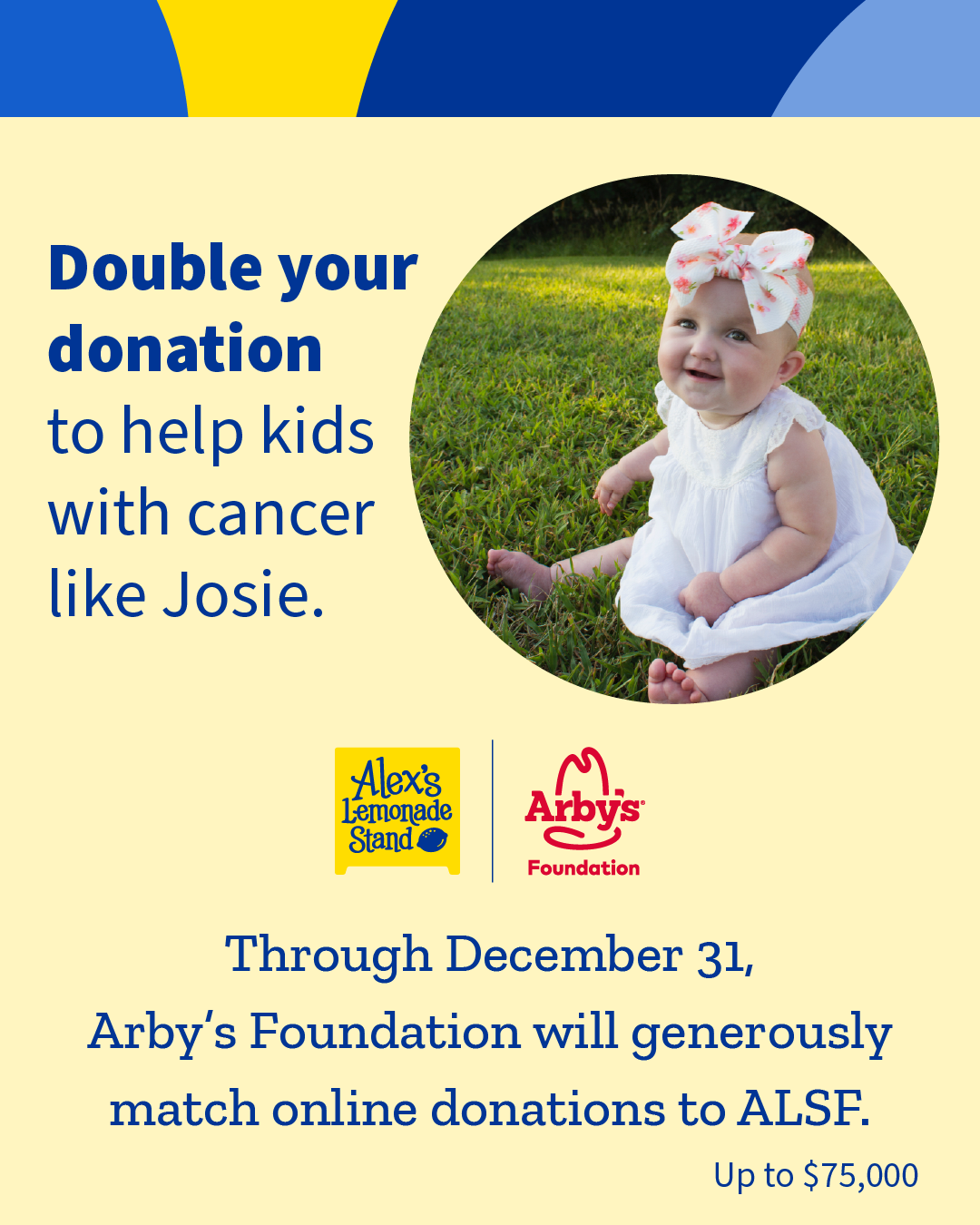
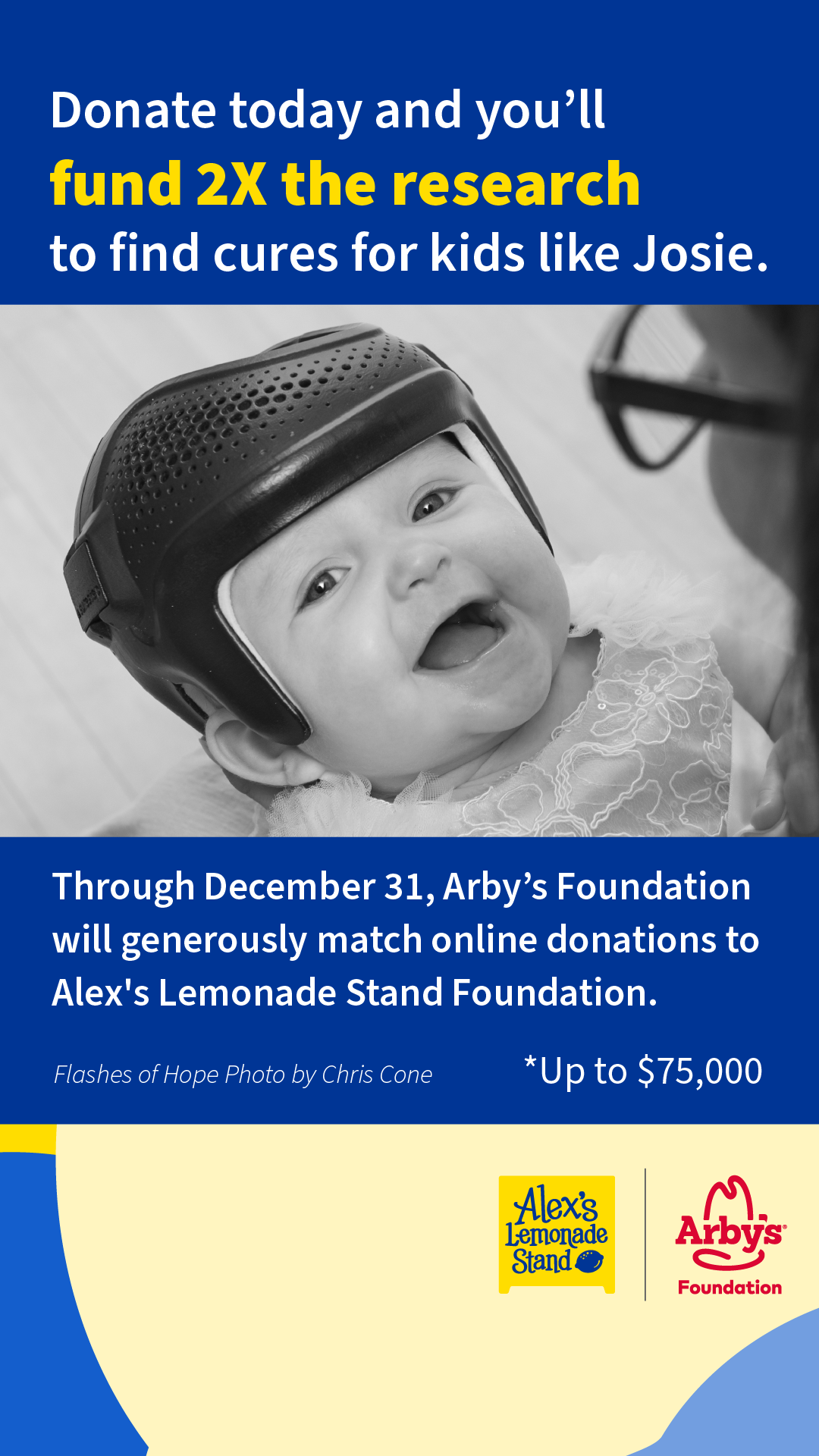
It’s that time of year again – the season of giving! This year, you can help Alex’s Lemonade Stand Foundation (ALSF) support kids affected by cancer right now through December 31. Even better, the Arby’s Foundation is generously matching all online donations made to ALSF to this page, up to $75,000. That means every dollar you donate through December 31, will count double for kids with cancer!
To make it simple, here are some resources to help you get started and maximize your impact for giving this holiday season.
Follow and Tag ALSF and Arby's Foundation on Social Media
|
|
@AlexsLemonade @ArbysFoundation |
|
@AlexsLemonade @ArbysFoundation |
|
@AlexsLemonade @ArbysFoundation |
|
Alex's Lemonade Stand Foundation Arby's Foundation |




Sample Post Captions
Copy, paste and customize any of these captions for your social media posts!
This holiday season, help me end childhood cancer by supporting Alex’s Lemonade Stand Foundation (ALSF)! Please donate and share on behalf of @AlexsLemonade to continue funding scientific breakthroughs for kids like Josie, who is being treated for a rare type of leukemia. Even better – your donation will be matched by the Arby’s Foundation to double your impact through Dec. 31! Learn more at>> Alexslemonade.org/Help-End-Childhood-Cancer
Instagram & TikTok
(Link to put in bio + share to stories: alexslemonade.org/help-end-childhood-cancer)
This holiday season, I’m supporting Alex’s Lemonade Stand Foundation (ALSF) to help kids affected by cancer right now. You can join me in making a difference for childhood cancer heroes like Josie, who has hope for cure thanks to a clinical trial funded by ALSF! If you donate to the link in my bio, your gift will be matched by the Arby’s Foundation, doubling your impact!
Sample Business Partner Post Captions
Copy, paste and customize any of these captions for your social media posts!
We at [insert partner name] are proud to support Alex's Lemonade Stand Foundation (ALSF) this holiday season. 🎗️Your donation helps fund critical research to discover more breakthroughs in treatment, expand access to clinical trials across the country, and support families as they face a childhood cancer diagnosis. Join us in the fight against childhood cancer by donating to ALSF today through December 31>> Alexslemonade.org/Help-End-Childhood-Cancer
Social Media Post Images
Click on an image below to open it in a new window to save for sharing.
If you are unable to save the image directly to your device, we recommend taking a screenshot of the image.
 |
 |
 |
Social Media Story Images
Click on an image below to open it in a new window to save for sharing.
If you are unable to save the image directly to your device, we recommend taking a screenshot of the image.
 |
 |
Tips for Using Social Media Tools for Your Fundraising
Facebook Tools
How to create a Facebook fundraiser:
- Log into Facebook on your computer
- Facebook mobile options are limited
- On the left, select “Fundraisers”
- You may need to click “see more” to expand list
- Click the “Select Nonprofit” button. Type Alex’s Lemonade Stand Foundation into the search bar; select ALSF.
- Customize your fundraiser:
- Choose a fundraising goal
- Add a title and write a description of why you are raising money for ALSF
- Select the date your fundraiser will end
- Click Create
- Invite friends to give, share your fundraiser, or donate yourself!
How to add a donate button to your Facebook post:
- Open the Facebook app on your phone or in your web browser on your computer.
- Click “What's on your mind, [Name]?” at the top of your Facebook News Feed.
- Click the “...” button then select “Raise Money.”
- Search for Alex’s Lemonade Stand Foundation in the search tab that appears and select it as the charity you want to support from the menu.
- Write a post about your fundraiser or why you’re supporting ALSF and click “Post.”
- Once your post is published, you'll see a donate button on your post where your friends can make donations directly to ALSF.
Instagram Tools
How to create an Instagram fundraiser:
- Open your Instagram app on Mobile
- Hit the plus sign “+” button at the bottom center
- Make sure the default option “Post” is selected
- Select a photo for your fundraiser.
- If you need a photo, please see our images above and download your preferred image in square format
- Hit “next” to see a draft of your post.
- You may be prompted to add music to your post- this is optional.
- Fill in the description to tell others about your fundraiser.
- Scroll down to select “Add fundraiser” and then search for “Alex’s Lemonade Stand Foundation”
- Select your goal amount and invite any collaborators
- Invite friends to give, share your fundraiser, or donate yourself! The Instagram fundraiser will remain active on your bio for up to 30 days.
How to add an Instagram donation sticker to your Instagram story:
- Open your Instagram app.
- Tap the plus icon at the top of the page and tap "Story."
- Take or upload a photo or video.
- Tap the sticker icon at the top of your screen.
- Select the donation sticker.
- Search for and select “Alex's Lemonade Stand Foundation.”
- Customize your fundraiser using Stories creative tools.
- Tap the "Your Story" button to add the post to your Instagram story.